Brilliante Capture
Murphy Industries, LLC · Sep 2, 2026
The only screenshot tool for gamers. Capture HDR, VR, and motion photos!
About Brilliante Capture
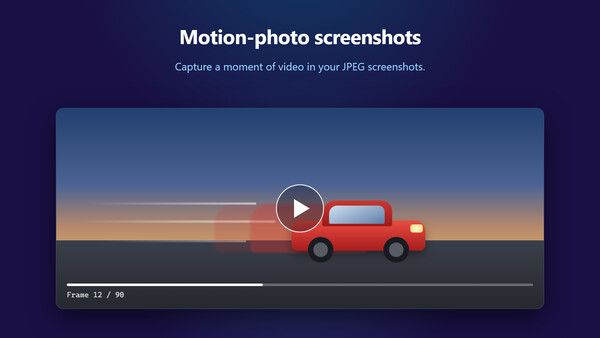
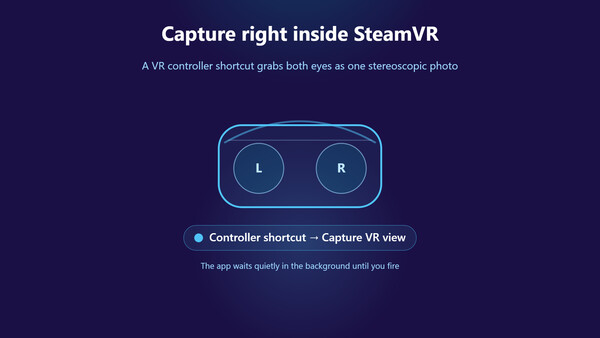
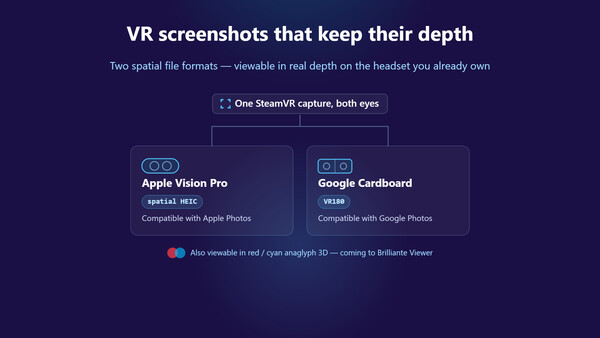
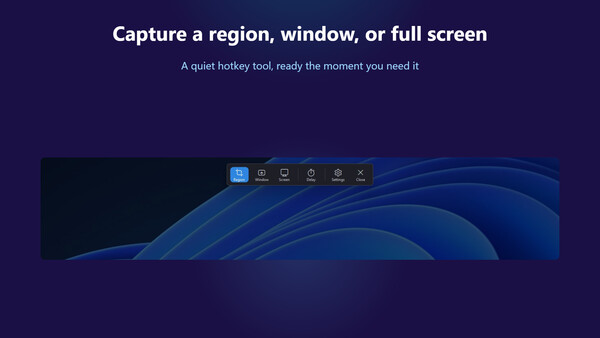
Screenshots that keep your HDR Your game runs in HDR. Your screenshots don't. Other capture tools use the SDR pipeline, so on an HDR display the brightest, best parts of the frame clip to flat white . The neon sign blows out. The sunset goes gray. The muzzle flash turns into a white blob. Brilliante Capture grabs the frame in true High Dynamic Range and writes it to modern HDR formats that preserves every stop of brightness. What looked luminous on your screen looks luminous in the file. Left: Windows Snipping Tool — the highlights clip and the billboard collapses into a flat white smear. Right: Brilliante Capture — If your display is in HDR mode, the right-hand image is a real HDR screenshot, rendering in HDR right here on this page. Built for HDR gameplay Preserves HDR — the whole point. Highlights stay bright instead of clipping to white. No other mainstream capture tool does this. Multiple HDR formats. Save screenshots in formats including Ultra HDR JPEG — real HDR on supported viewers, backward compatible as a normal JPEG everywhere else. Capture anything. A region, a single window, or the full screen — across multiple monitors. WYSIWYG. What's on screen at the instant you tri
Screenshots