Cursor for Live2D
Bluebearry Studio · Coming soon
Import any Live2D model and let it follow your mouse, with physics effects, hotkey-triggered expressions, and idle animations. Whether you're streaming, drawing, recording videos, or simply using your computer, your character can accompany you with every click.
About Cursor for Live2D
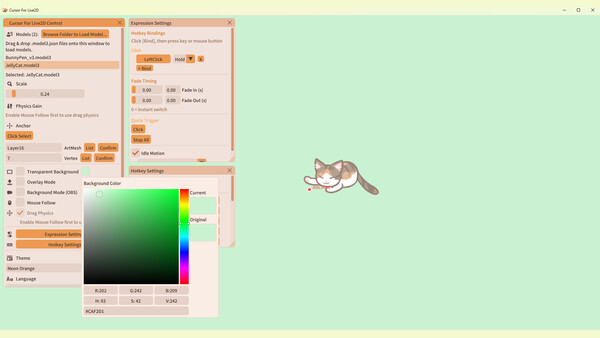
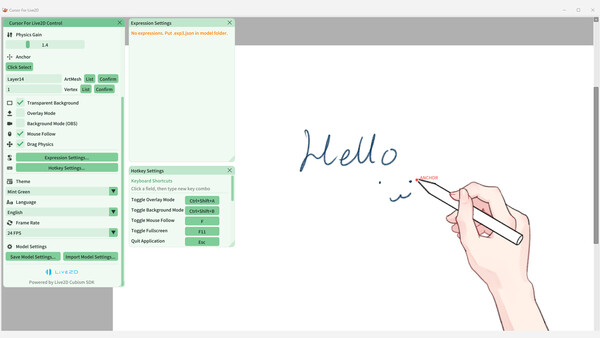
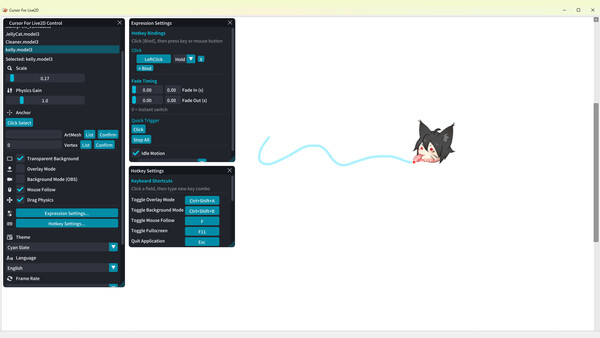
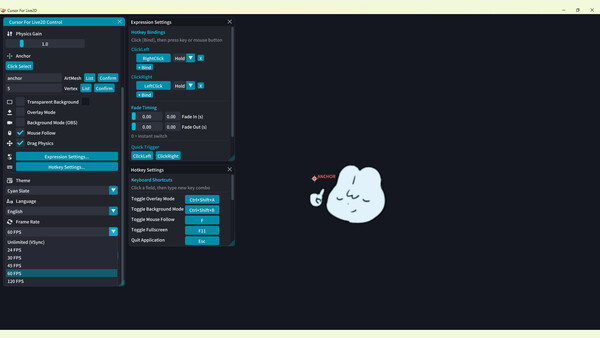
A lightweight interactive mouse companion for Live2D models. Live2D Desktop Companion Import any Live2D model and let it follow your mouse, with physics effects, hotkey-triggered expressions, and idle animations. Whether you're streaming, drawing, recording videos, or simply using your computer, your character can accompany you with every click. Features Customize a model's tracking anchor point so it can follow your mouse. Automatically detect the model's X- and Y-axis physics effects, with a slider to adjust the physics intensity. Background Mode allows video recording software to capture the model's movement while the model itself is not displayed on screen. Freely bind expressions to hotkeys, with options for hold or toggle mode and adjustable fade-in and fade-out durations. Import models by dragging and dropping a .model3.json file or selecting a folder. Multiple models can be imported and switched between at any time. Runs in the system tray for quick access. Supports multiple languages, currently including Chinese, Japanese, Korean, and English. Default Hotkeys F: Makes the model track the mouse based on the user-defined anchor point. Ctrl + Shift + A: Overlay Mode — hides t
Screenshots