Second Look — Screen Magnifier for Gaming and Low Vision
Avalon Software · Sep 14, 2026
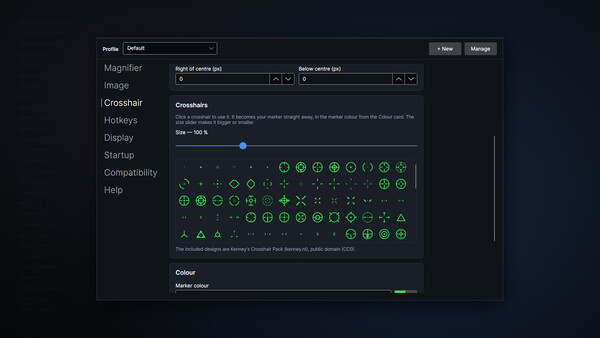
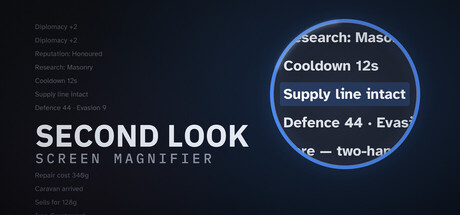
Second Look enlarges whatever you point at, sharp and right under your cursor, so quest text, item names and map labels stay readable in any game. Built for gaming and for eyes that struggle with small text, it stays light on your frame rate and even includes a crosshair with 200 designs.
About Second Look — Screen Magnifier for Gaming and Low Vision
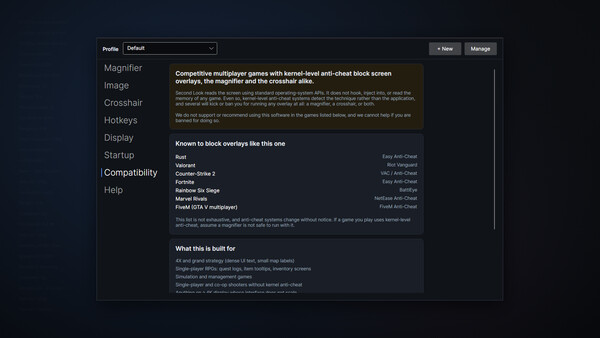
Small text shouldn't end a hobby Quest logs at 4K. Item names crammed into an inventory grid. The unit tooltip in a strategy game that assumes you're twenty-five and sitting eighteen inches from the screen. If you've caught yourself leaning in, squinting, or quietly giving up on games you used to love, Second Look is built for you. Press a hotkey and point. Whatever is under your cursor enlarges in place, sharply, and follows as you move. Read it, and let go. There's no launcher to set up, no game to modify, and nothing to change inside whatever you're playing. It works over the top of what's already on screen. Before you buy: competitive multiplayer games with kernel-level anti-cheat block screen magnifiers. The full list is under Compatibility below. Please read it first. What it does Follow-cursor magnification. The magnified region tracks your mouse, so you read by pointing instead of hunting a box around the screen. This is the feature the whole product is built around. Fixed-region and screen-center modes for when you'd rather it stayed put. The region is movable, so it never gets stuck over your minimap. Sharp, not blocky. Magnification uses AMD FidelityFX Super Resolution 1
Screenshots