Wallpaper Lock
Full Bore Studios · Coming soon
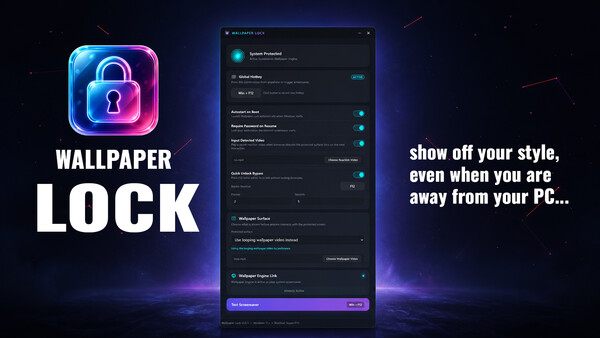
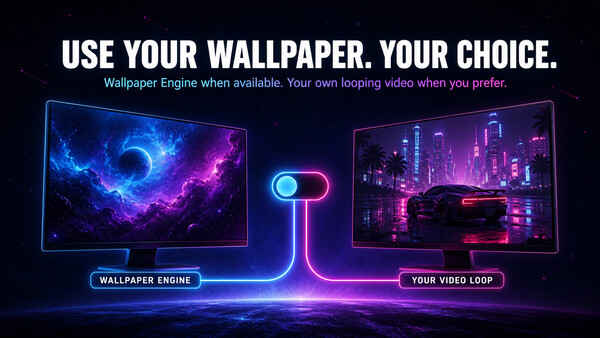
Turn your Windows desktop into a walk-away screen. Trigger Wallpaper Engine or a looping video with a custom global hotkey, react to unexpected input with your own video, and control password, multi-monitor, autostart, and quick-unlock behavior.
About Wallpaper Lock
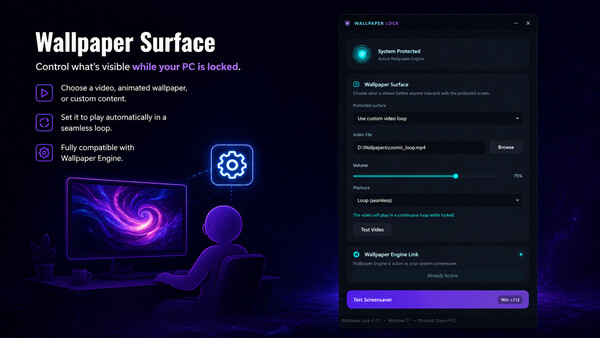
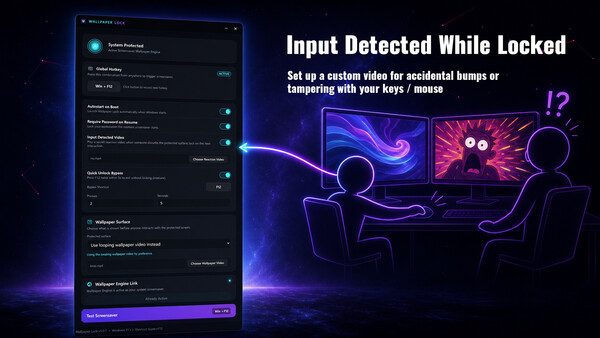
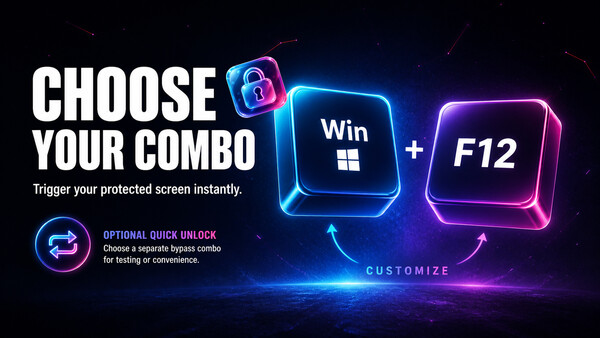
Ever wanted to leave your amazing live wallapers running but don't want leave your PC unlocked or wait for your screensaver to kick on? This was made for you! We had the same problem, and decided to share our clean solution with everyone else, along with some common sense extra features we wanted. Press a global hotkey of your choice to show your configured protected surface across your monitors—without waiting for the normal Windows screensaver timer. Use the Wallpaper Engine screensaver when it is installed, or choose the built-in looping video surface instead. Wallpaper Engine is not bundled with Wallpaper Lock and is not required when you use the video option. The two video roles stay separate: the looping video is the wallpaper surface, while the optional Input Detected Video is a reaction layer that appears when someone touches the keyboard or mouse. Leave the surface alone and it can return to the wallpaper flow. If interaction continues, Wallpaper Lock can hand control back to normal Windows lock. You control whether Windows requires your password on resume, whether Wallpaper Lock starts with Windows, and whether to enable an optional Quick Unlock Bypass with its own shortc
Screenshots